

If you are learning how to store digital pattern files, start with this truth I learned the slow way: a pattern you cannot find is a pattern you do not own. I have bought the same PDF pattern twice, printed the wrong size range, and spent a whole evening hunting through my downloads folder for a file I knew I had somewhere. None of that was a sewing problem. It was a storage problem, and it is completely fixable.
My system now is simple on purpose. Every pattern lives in one main folder, every file name tells me what it is without opening it, and every file exists in two places at once. I do not use fancy software or a complicated tagging app. I use clear folders, consistent names, and a backup habit that takes about five minutes a month. If you sew from PDF patterns at all, this small bit of housekeeping will save you hours.
A Simple Folder System That Actually Works
I keep one main folder called Sewing Patterns, and everything lives inside it. Under that I have folders by garment type, so Dresses, Tops, Skirts, Trousers, Bags, and Children each get their own folder. Inside a garment folder, each pattern gets its own subfolder named for the pattern itself. That one choice, one folder per pattern, is what stops the mess, because the PDF, the instructions, the projector file, and my notes all sit together in one place.
Inside each pattern folder I keep the original download exactly as it arrived, plus a copy of the file I actually print from, and a short notes file where I record the size I cut, the fabric I used, and any changes I made. If a pattern comes with several files, I rename them clearly, so the main pattern, the print-at-home version, and the copy shop version are easy to tell apart. I never leave loose pattern files sitting in my downloads folder, because that is where patterns go to disappear.
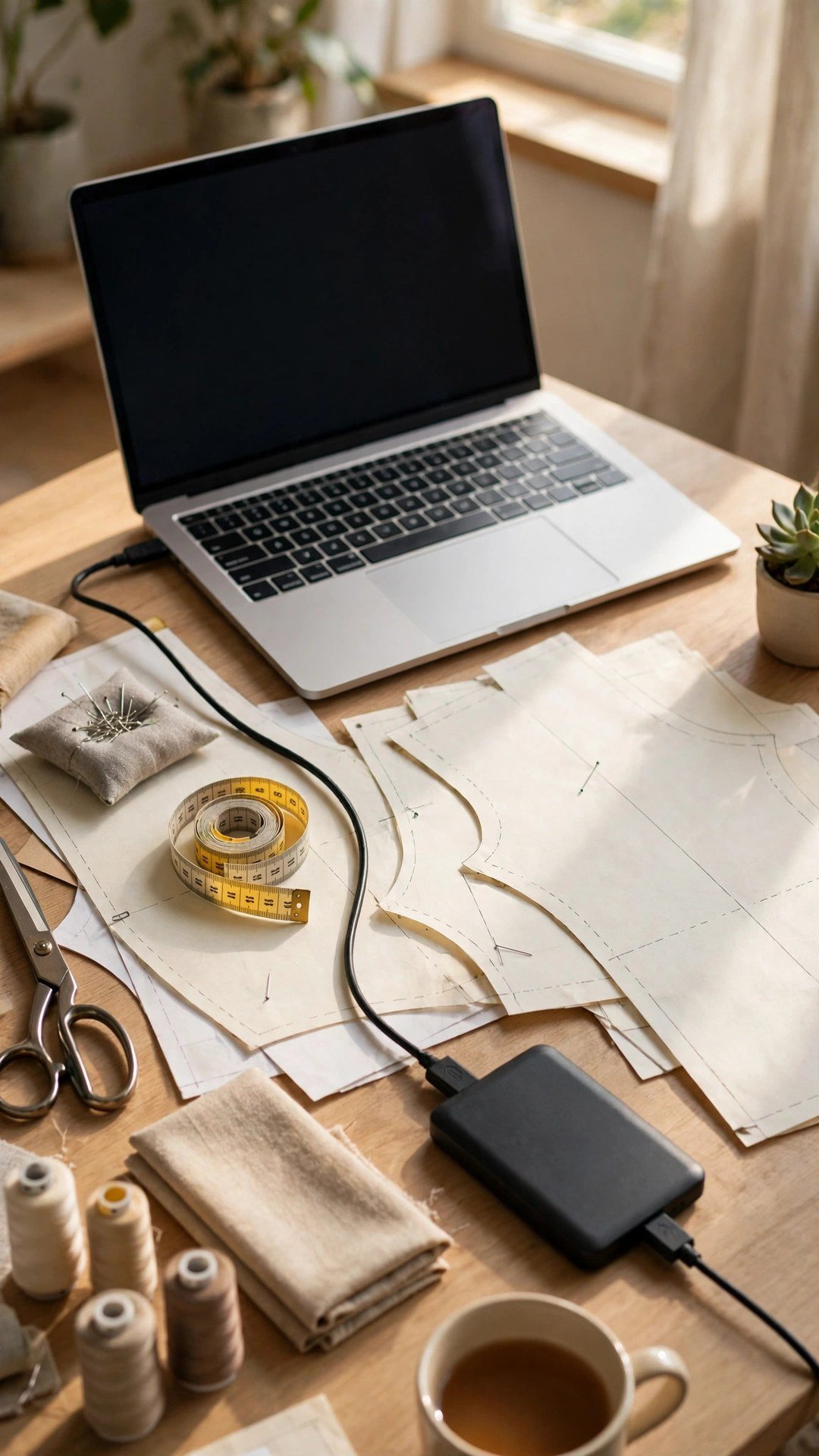
Name Every File So Search Finds It
File names are the secret weapon here, because your computer search only works if the names contain the words you will search for later. My naming rule is simple: designer, pattern name, garment, size range, and version if there is one. So a file might be called True Bias Ogden Cami Top Sizes 0 to 18, and I can find it by searching for cami, for the designer, or for the size range. Avoid vague names like pattern final, or download 3, which tell you nothing six months later.
Be consistent about spelling and order, because search is literal. If you sometimes write Tshirt and sometimes write T shirt, you will miss files. Pick one spelling and stick with it across the whole collection. I also add a short tag at the end of the folder name for patterns I have already sewn, like sewn in linen, so I can spot proven favourites at a glance when I am choosing my next project.
Keep Printed Copies and Digital Files Together
Most of us live in both worlds, printing some patterns and sewing others straight from the screen, and the storage system has to cover both. When I print a pattern, I write the file name and the size I cut on the first page, so the paper copy always points back to the digital file. I store printed patterns flat in large envelopes or rolled in a tube, with the pattern name written clearly on the outside in big letters.
For patterns I print often, I keep the assembled copy in a labelled binder pocket with the instructions tucked behind it. That way I can grab the whole thing and start cutting without hunting for pages. My guide to how to assemble A4 tiled pattern pages will help if your printed pages need taping together first, and once they are assembled I fold them carefully and file them the same day, while I still remember what they are.
Do not keep every printed copy forever. If the digital file is safely backed up, the paper copy is a convenience, not the only copy. I keep printed copies of patterns I sew often, and I recycle the rest once a project is finished, because a shelf full of crumpled paper is just as hard to search as a messy downloads folder. The digital file is the master copy, and the paper is the working copy.

Back Up Your Collection in Two Places
Here is the part that matters most. A single copy on one laptop is not storage, it is a hope. Hard drives fail, laptops get stolen, and cloud accounts get locked, and losing a whole pattern library hurts far more than losing one pattern. My rule is simple: every pattern exists in at least two places. The main copy lives on my computer, and the backup copy lives on an external drive and in cloud storage, so I have three copies in total for the patterns I care about most.
Set the backup up so it happens without thinking. I keep my Sewing Patterns folder inside a cloud folder that syncs automatically, and once a month I copy the whole folder to an external drive and put the drive back on the shelf. That monthly copy takes five minutes, and it is the cheapest insurance in sewing. Check the backup now and then by opening a random file from it, because a backup you have never tested is only a guess.

Tidy Habits That Keep the System Working
A storage system only works if it stays tidy, and staying tidy is easier than getting tidy. My rule is to file a new pattern the day I buy it, delete duplicates the moment I spot them, and spend ten minutes at the start of each month checking that nothing has drifted back into the downloads folder. That monthly check is also when I add notes about recent projects, so the notes file in each pattern folder stays useful instead of going stale.
Once a season I do a slightly bigger review. I look for patterns I have never sewn and probably never will, and I move them into a folder called maybe later, so my main folders only show patterns I genuinely want to sew. I also check that every pattern folder has the size range in its name, because that is the detail I forget most often, and I update any file names that have drifted. It sounds fussy, but it keeps the collection feeling like a library instead of a junk drawer.
If you trace or adapt patterns, keep those versions in the same pattern folder with a clear name, like traced size 12 with longer bodice, so your hard work does not get lost either. My notes on how to trace pattern pieces will help you keep traced copies neat, and the same naming rule applies: if the name does not tell you what it is, rename it now while you still remember.
Frequently Asked Questions
Where should I store digital sewing patterns?
Keep them in one main folder on your computer, organised by garment type, with one subfolder per pattern. Add a cloud synced copy and a monthly copy on an external drive, so every pattern exists in at least two places.
What is the best way to name pattern files?
Use designer, pattern name, garment, and size range in every file name, in the same order every time. Clear names make computer search work, while vague names like pattern final are impossible to find later.
Should I keep printed pattern copies too?
Keep printed copies of patterns you sew often, labelled with the file name and size cut, and recycle the rest once a project is done. The digital file is the master copy, and the paper copy is just a working convenience.
How do I back up my pattern collection?
Keep the main folder inside a cloud folder that syncs automatically, and copy the whole folder to an external drive once a month. Open a random file from the backup now and then to check that it actually works.
What should I do with old pattern versions?
When a designer updates a pattern, keep the new version in the main folder and move the old one into a small folder called old version. That way you never print from the wrong file by accident.
Start Tonight With Ten Files
You do not need a perfect system to start, you need a simple one you will actually use. Pick your main folder, name ten patterns properly tonight, set up one backup, and let the habit grow from there. In a month your patterns will be findable in seconds, your printed copies will match your digital files, and starting a new project will feel like opening a tidy drawer instead of digging through a pile. That is a small change with a very large payoff.
Written by June Carter
I am June, a sewing enthusiast who loves turning simple fabric into things people actually use. I test every technique and product I write about at my own machine before it lands here.