

If you want to know how to print PDF patterns at actual size so your finished garment actually fits, this is the skill that makes or breaks your project. I once printed a whole 40 page pattern, taped it together on a Sunday afternoon, cut my fabric, and only then realized the pattern had printed at 94 percent. The dress was a full size too small. Never again.
Printing at actual size means the pattern comes out of your printer at exactly 100 percent, the true size the designer drafted. It takes five careful minutes of setup, and it saves you from wasted fabric and broken hearts. Here is my exact process, every time.
Open the File in the Right Program
This is where most printing problems start. Do not print your pattern from your web browser. Browsers love to quietly shrink or stretch PDFs to fit their own idea of the page, and you will not notice until your test square tells on you.
Download the PDF to your computer first, then open it in Adobe Acrobat Reader. It is free, and it is the program pattern designers test their files with. Acrobat gives you precise control over page scaling, which is exactly what you need. If your pattern has layers, Acrobat is also where you can toggle individual sizes on and off, so you only print the size you actually need. Fewer lines on the page means easier cutting and less confusion.
Before you print anything, check which files came with your download. Most patterns include a print at home file for A4 or US Letter paper, and a separate copy shop file, often A0, for large format printing. Make sure you are working with the right file for the printer you plan to use.
Set Your Print Dialog for Actual Size
Open the print dialog with Ctrl plus P or Cmd plus P, and look for the section called Page Sizing and Handling. Set it to Actual Size, or Custom Scale at 100 percent. These two settings do the same thing: they print the PDF exactly as designed, with no shrinking and no enlarging.
Never use Fit, Fit to Page, or Shrink Oversized Pages. That sounds helpful, but it is the setting that silently prints your pattern at 94 or 96 percent. Also turn off borderless printing and any printer enhancement or scaling features. Those are designed for photos, not patterns.
Set your paper size to match the pattern file, either A4 or US Letter, exactly as the pattern instructions say. For orientation, choose Auto portrait or landscape, or Auto Rotate and Center, so the tiles sit centered on the page instead of shifting to one side.
How to Print PDF Patterns at Actual Size: The Test Square Check
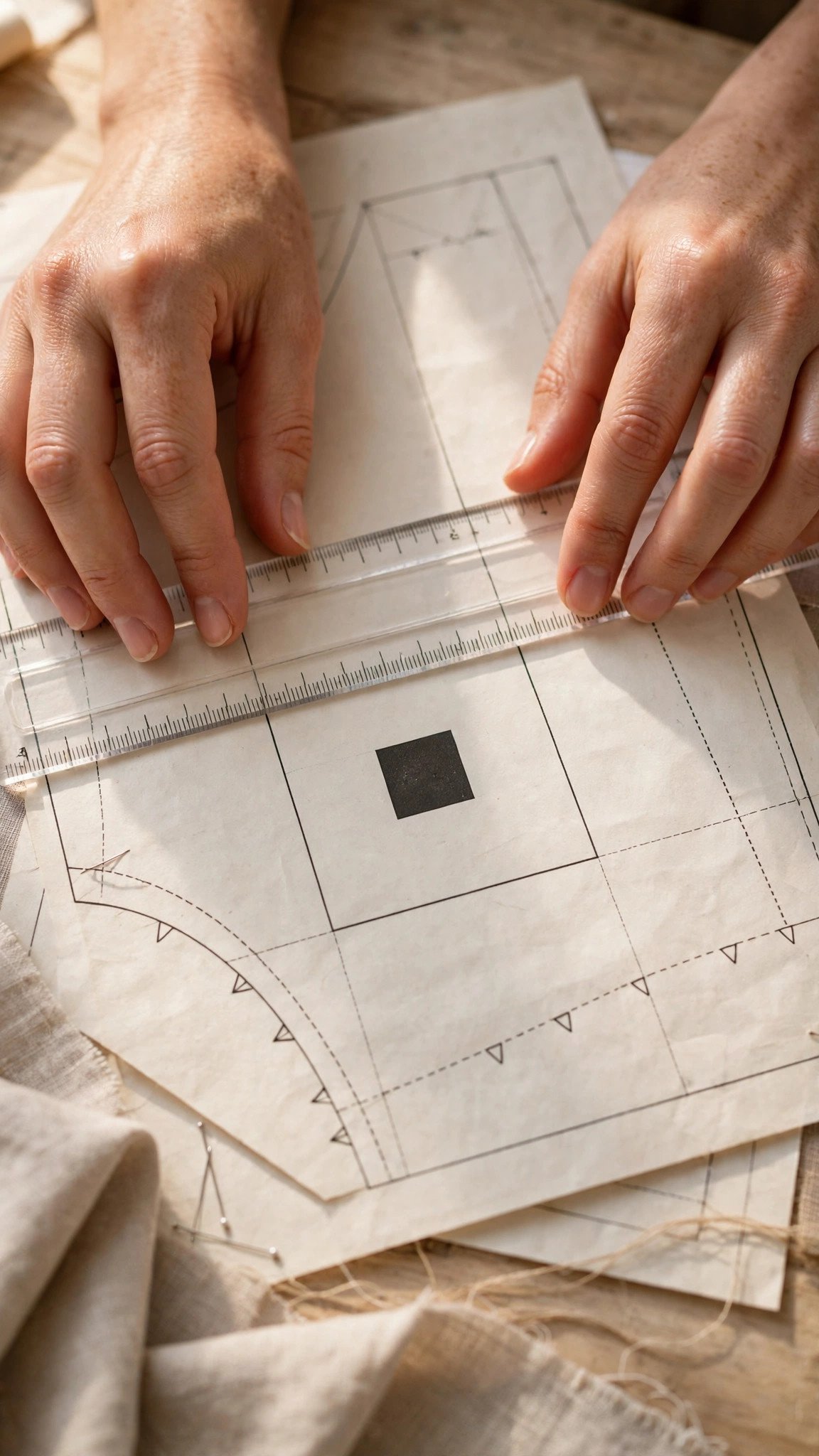
Here is the golden rule of how to print PDF patterns at actual size: always print the test square page first, by itself, before you print anything else. Every well made pattern includes a test square, usually one inch by one inch, or a 10 cm square, printed on the first page or the printing instructions page.
Print just that one page using the settings above. Then measure the square carefully with a ruler, measuring from the inside of the lines or the centers as the pattern specifies. It must match exactly. If the square measures one inch and it is supposed to measure one inch, your settings are correct and you can print the whole pattern with confidence.
If the square is off, even by an eighth of an inch, stop. Do not print the rest. Go back to the print dialog and recheck your scaling setting. Even a tiny difference compounds across a full pattern, and an eighth of an inch error per page turns into a garment that does not fit. Once the test square measures perfectly, print the remaining pages with the exact same settings.
Print at Home or Use a Copy Shop
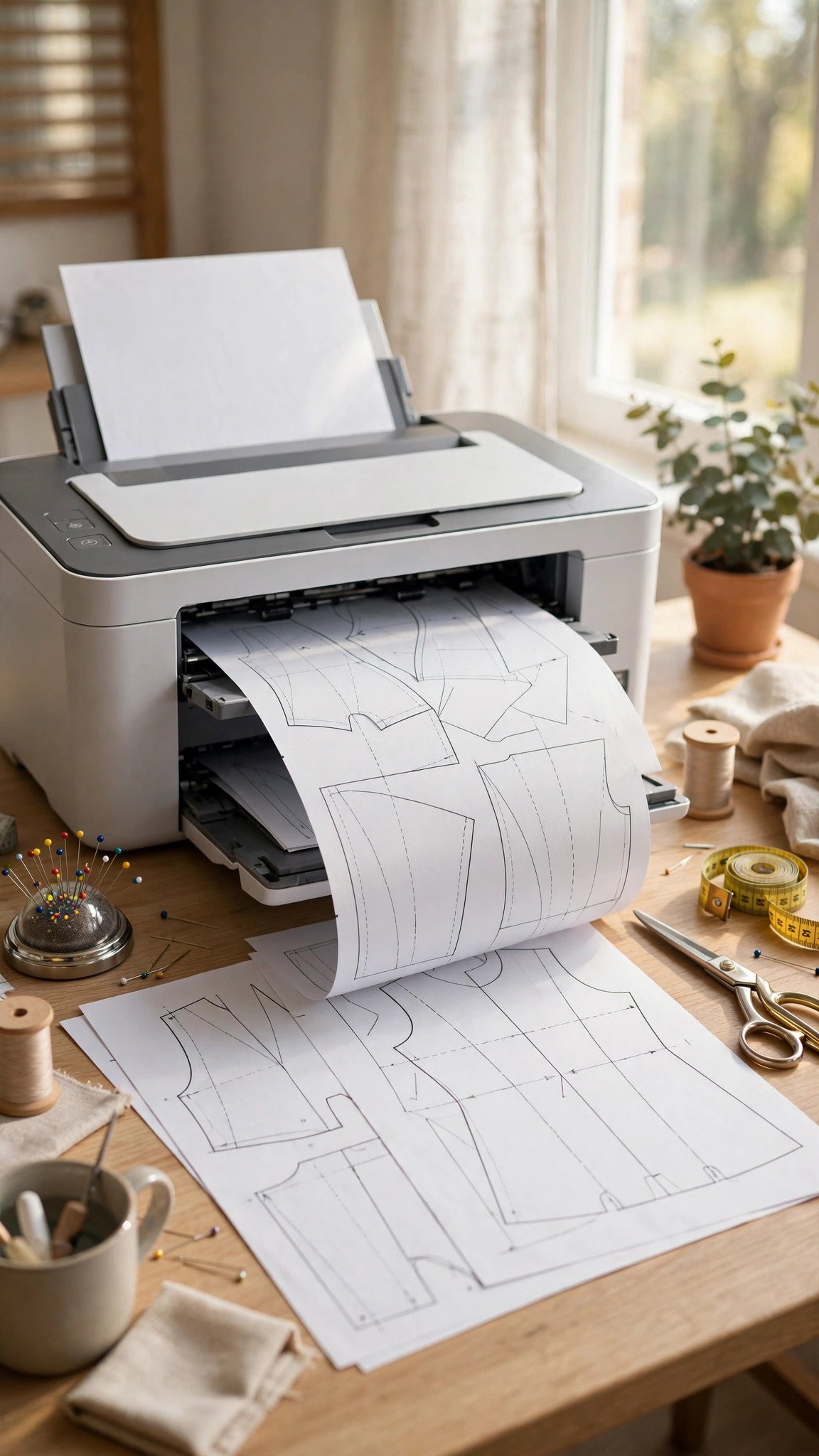
Home printing on A4 or US Letter paper is the most common route, and it works beautifully once your settings are dialed in. You will print a stack of tiled pages and assemble them yourself, which takes a little time but costs almost nothing. Print in draft or fast mode to save ink; you do not need photo quality for pattern lines.
For big patterns, or if your printer is being temperamental, the copy shop file is a wonderful option. Take the A0 file to a local print shop on a USB stick or send it through their website, and they print the whole pattern on one giant sheet. No trimming, no taping. The first time I did this for a coat pattern, I felt like I had discovered a secret society.
If your pattern only came with a tiled file and you need it large format, many designers will send the copy shop version on request. It never hurts to ask. When you are ready to join the pages, follow my guide on assembling tiled pattern pages for the smoothest method I know.

Assemble Your Tiled Pages
Once your pages are printed at the correct scale, trim the margins as the instructions show, then join the pages using the alignment markers. Most patterns use triangles, circles, or numbered diamonds where pages meet. Line the markers up precisely, tape the pages into rows first, then join the rows.
It does not need to look perfect. As long as the alignment markers meet accurately, your pattern is the right size. I tape from the back with clear tape so the front stays clean, and I number the rows lightly in pencil as I go so I do not lose my place.
When the full sheet is assembled, take a moment to check whether seam allowances are included and to read the pattern symbols on your pieces before you cut. Grain lines, notches, and button placement marks all matter, and it is much easier to understand them now than with the scissors in your hand.
FAQ
Why does my pattern print smaller than it should?
Almost always, the print dialog is set to Fit or Shrink Oversized Pages instead of Actual Size. Browsers also cause this. Open the file in Adobe Acrobat Reader, set Page Sizing to Actual Size or 100 percent, print the test square page alone, and measure it before printing the rest.
Can I print a PDF pattern from my phone or tablet?
You can, but it is riskier. Mobile print apps often hide scaling controls, and some scale by default. If you must print from a mobile device, always print the test square first and measure it. If it is off, switch to a computer with Acrobat Reader.
What is the test square and where do I find it?
The test square is a printed square, usually one inch or 10 cm, included on the first page or the printing instructions page of your pattern. It is your proof that the scale is correct. Measure it with a ruler after printing. Exact match means your pattern is true to size.
Do I really need to print every page of the pattern?
Not necessarily. Many patterns include a printing layout diagram showing which pages you need for your size and view. If your pattern has layers, turn off the sizes you do not need in Acrobat before printing, and you will use less paper and ink.

Written by June Carter
I am June, a sewing enthusiast who loves turning simple fabric into things people actually use. I test every technique and product I write about at my own machine before it lands here.